The short answer
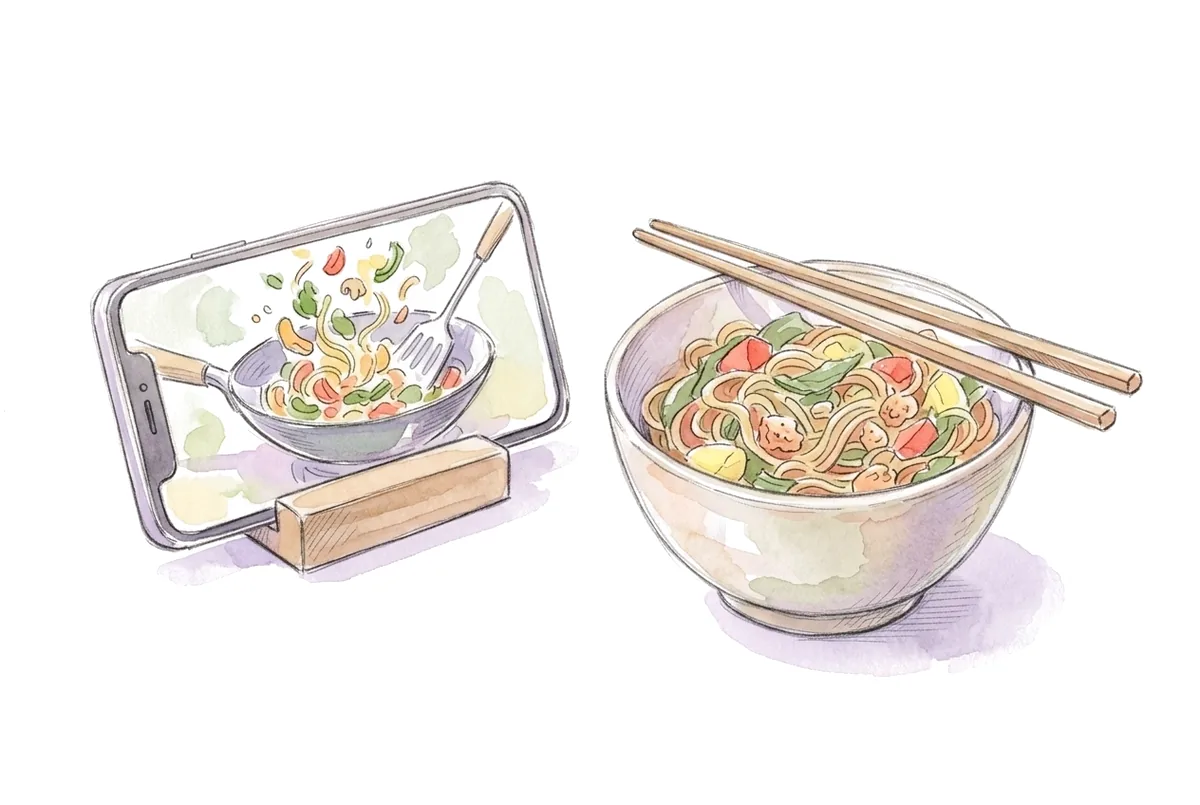
Tapping Save in TikTok or Instagram only bookmarks the video. It doesn't keep the ingredient list, and the post can disappear. To keep a recipe you can cook from, copy the post's link and import it into a recipe app, which pulls the ingredients and steps from the caption, the creator's linked blog or the video itself.
Key takeaways
- A saved TikTok or Reel is a bookmark. If the creator deletes the post or goes private, the recipe goes with it.
- The recipe can live in four places: the caption, a linked blog, the voiceover or on-screen text. Check all four before giving up.
- Copying the link and importing it into a recipe app gives you a real ingredient list you can search, scale and shop from.
- Check quantities after saving. Creators often skip amounts, servings or oven temperatures.
Why the Save button isn't enough
TikTok's Favorites and Instagram's Saved folders are great for collecting ideas. They're bad at being a recipe box:
- The post can vanish. If the creator deletes it, archives it or makes their account private, your save points at nothing.
- There's no ingredient list. You have to rewatch a 60-second video, pausing to catch each amount.
- You can't search by ingredient. "What was that thing with chickpeas?" means scrolling through hundreds of saves.
- Nothing turns into a shopping list. You still have to write everything down before you go to the store.
A recipe you can cook from needs the ingredients, the amounts and the steps written down somewhere you control.
Where the recipe in a video actually lives
Before you save a video, figure out where its recipe is. It's usually in one of four places:
- The caption. Many creators write the full recipe in the description. On TikTok, tap "more" under the video. On Instagram, tap the caption to expand it.
- A linked blog. "Recipe in bio" or "full recipe on my site" means the written version is on the creator's website, usually with exact amounts.
- The voiceover. Lots of recipes are only spoken: "two tablespoons of soy sauce, a teaspoon of sugar".
- On-screen text. Amounts often flash up as captions over the video.
MealMint's importer checks these in that order and stops at the first one that gives a complete recipe, which is why a recipe that is only spoken aloud still comes through.
How to save a TikTok recipe
- Open the video and tap Share (the arrow on the right).
- Tap Copy link. If you have MealMint installed, you can also share straight to it from this menu.
- Open your recipe app and paste the link.
- Check the ingredient list against the video before you cook it.
TikTok links copied this way look like "vm.tiktok.com/..." and work fine; the app follows the short link to the full post.
How to save an Instagram Reel or post recipe
- Open the Reel or post and tap the Share icon (the paper plane).
- Tap Copy link, or share it straight to your recipe app.
- Paste the link into the app.
- For a recipe written across carousel slides, take a screenshot of each slide and import the screenshots as photos instead.
Posts from private accounts usually can't be read by any app, because the post isn't visible without logging in as a follower. Screenshots work there too.
The same trick works on YouTube, Pinterest and Facebook
Every major platform has a Share button with a Copy link option, and most recipe apps accept all of them. MealMint imports YouTube videos and Shorts, Pinterest pins, Facebook videos and any recipe website. For a pin, it follows the pin through to the blog it links to, where the full recipe usually is.
Which way of saving recipes should you use?
| Method | Keeps ingredient amounts | Survives the post being deleted | Searchable by ingredient | Makes a grocery list |
|---|---|---|---|---|
| TikTok Favorites or Instagram Saved | No | No | No | No |
| Screenshots in your photo album | Partly | Yes | No | No |
| Copying the caption into a notes app | Yes, if they're in the caption | Yes | Yes, with search | No |
| Importing the link into a recipe app | Yes | Yes | Yes | Yes |
Screenshots and notes are fine for a handful of recipes. Once you have more than twenty, an app that turns links into real recipes saves a lot of rewatching.
Check the recipe after you save it
Social recipes are written fast, so give each one a quick look:
- Missing amounts. "A splash of cream" or "some flour" needs a real number before you shop. If the creator used grams and you cook in cups, our cups to grams converter translates both ways.
- Servings. Videos rarely say how many people a recipe feeds. Decide, then resize it with the recipe scaler.
- Swaps. If you're missing something, the ingredient substitutes list has exact amounts for common replacements.
- Oven temperatures. UK and Australian creators often give Celsius or fan temperatures. The oven temperature converter covers both.
Make your saves easy to cook
Saving is the easy part. Cooking what you save takes a little structure:
- Group recipes by when you'd make them: weeknight dinners, lunches, weekend projects.
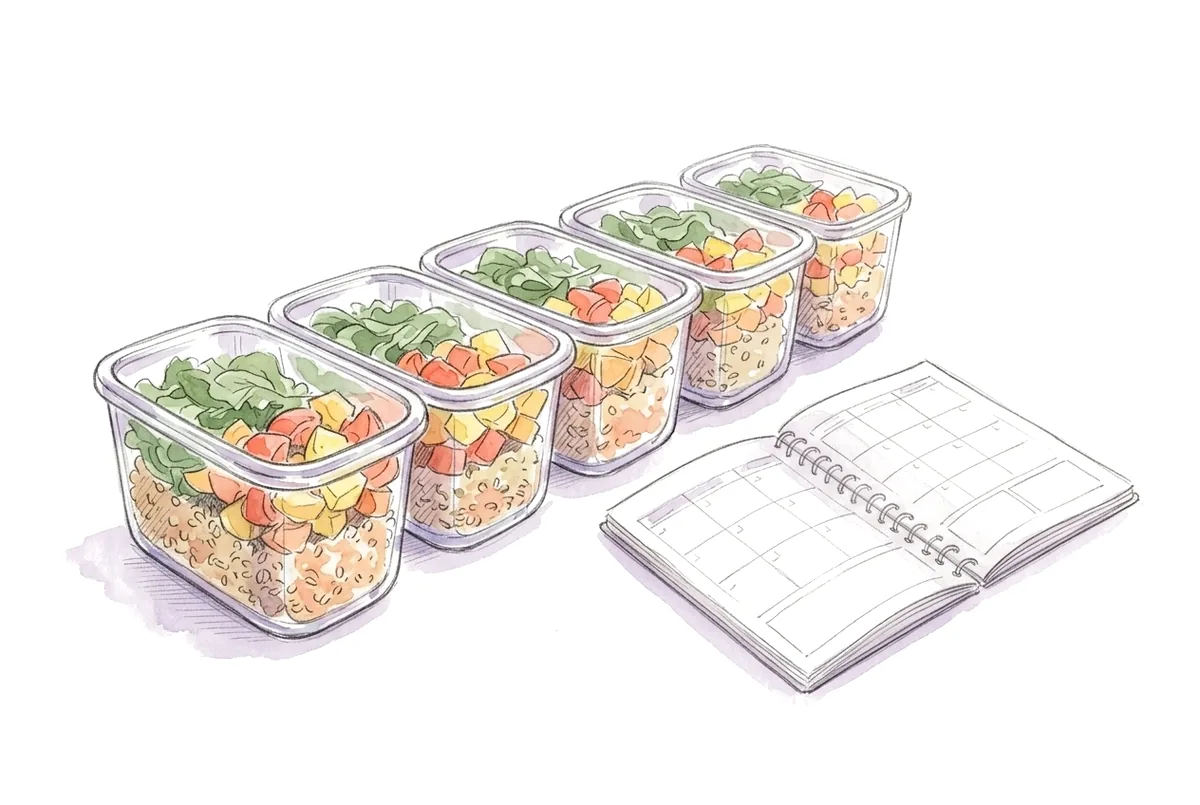
- When you plan your week, pick at least one recipe from your saves.
- Add a recipe's ingredients to your grocery list as soon as you decide to cook it.
Our guide to planning a week of meals shows how to turn a pile of saved recipes into a plan you'll follow.
Frequently asked questions
How do I save a recipe from TikTok?
Tap Share on the video, then Copy link, and paste the link into a recipe app. The app reads the recipe from the caption, the creator's linked blog or the video, and saves it as an ingredient list with steps.
Can I save an Instagram recipe if it isn't in the caption?
Yes. If the recipe is spoken in the Reel or shown as on-screen text, an importer that listens to the audio or reads the frames can still pull it out. If it's written on carousel slides, screenshot each slide and import the screenshots as photos.
What happens to a saved TikTok recipe if the video is deleted?
A TikTok Favorite or Instagram save disappears with the post. A recipe imported into a recipe app is a separate copy, so it stays even if the original video is deleted.
Can I save recipes from private Instagram accounts?
Usually not by link, because the post isn't visible without logging in as a follower. Take screenshots of the recipe instead and import them as photos.
Is it okay to save creators' recipes?
Saving a recipe for your own cooking is how most people use these posts. Keep the link to the original so you can credit the creator, and support them by following, commenting or visiting their site. MealMint keeps the creator's name and a link to the original post on recipes imported from a link.